How to Nail a Remote Job Interview
I still remember sitting in my old home office, heart hammering against my ribs, staring at a frozen Zoom screen while a recruiter waited in awkward silence. It wasn’t because I lacked the skills; it was because my lighting was terrible and my Wi-Fi decided to take a nap right when I needed it most. Most of the advice you find online about remote job interview tips feels like it was written for a different planet—telling you to “just be yourself” while ignoring the fact that your background looks like a cluttered garage or your audio sounds like you’re underwater. Honestly, it’s exhausting trying to navigate these digital hurdles when you just want to show them you’re the right person for the job.
I’m not here to give you a lecture on corporate jargon or tell you to buy a thousand-dollar studio setup. Instead, I’m going to break this down into simple, actionable pieces that actually work in the real world. Think of this as your personal toolkit for solving the digital connection puzzle, focusing on the tech hacks and mental prep that will help you show up with confidence. Let’s get you ready to ace that call.
Table of Contents
Perfecting Your Remote Interview Technical Setup
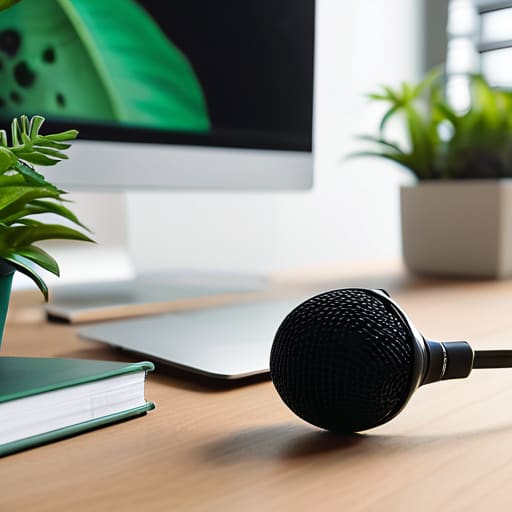
Think of your tech setup like a single puzzle piece; if it doesn’t fit perfectly, the whole picture falls apart. Before you even think about your outfit, I want you to dive into your remote interview technical setup like a DIY enthusiast. I’ve seen so many brilliant candidates stumble simply because their microphone sounded like they were underwater or their Wi-Fi decided to take a nap mid-sentence. Run a test call with a friend a day before to ensure your audio is crisp and your connection is rock-solid. It’s all about removing those tiny friction points so you can focus on the actual conversation.
Next, let’s talk about your visual environment. You don’t need a professional studio, but a little bit of intentionality goes a long way. Aim for soft lighting for webcams by facing a window rather than sitting with a bright light behind you—nobody wants to feel like they’re in a witness protection program! Also, try to curate a professional background for video calls that is tidy and distraction-free. When your surroundings are calm, your brain stays calm too, which is a massive win for overcoming digital interview anxiety.
Creating a Professional Background for Video Calls
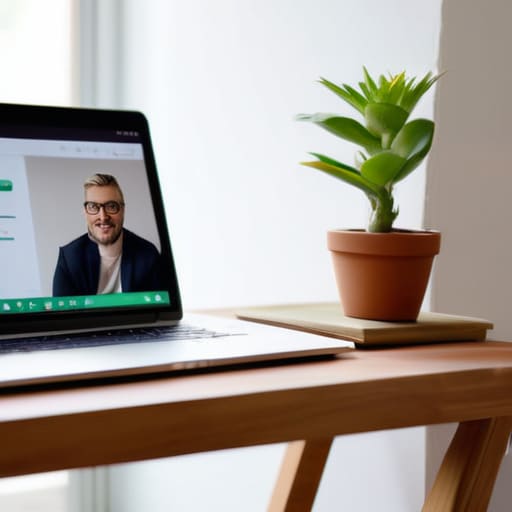
Think of your video frame as your digital stage; it’s the only part of your world the interviewer gets to see, so let’s make sure it’s not a distraction. I used to think a cluttered bookshelf was “character,” but during a high-stakes call, a pile of laundry or a distracting poster can pull focus away from your actual answers. When aiming for a professional background for video calls, aim for simplicity. A plain wall or a tidy, organized corner of a room works wonders. If your space is a bit of a disaster zone (we’ve all been there!), don’t panic—a subtle blur effect is a great way to keep the focus on you rather than your messy desk.
Beyond the scenery, don’t forget about the light! I always tell my clients that even the best background can look grainy if you’re sitting in a dark corner. Try to face a window for some natural light, or position a lamp behind your laptop to improve your lighting for webcams. This prevents that “shadowy mystery person” vibe and helps you appear more engaged and present.
Nailing the Human Connection: 5 Ways to Shine Through the Screen
- Master the “Digital Eye Contact” trick. It’s super tempting to look at the interviewer’s face on your screen, but to them, it looks like you’re staring at their chin! Try to glance at that tiny camera lens instead; it makes them feel like you’re actually looking them in the eye, which builds way more trust.
- Treat your audio like your secret weapon. You can have a stunning 4K background, but if you sound like you’re underwater or in a wind tunnel, the magic is lost. If you have a decent pair of wired headphones, use them—it cuts out that annoying echo and keeps your voice crisp and clear.
- Script your “elevator pitch” but don’t read it like a robot. I used to think having a perfect script would save me, but I ended up sounding like a malfunctioning GPS. Instead, jot down three key bullet points in my little notebook and just let the conversation flow naturally around them.
- Prepare a “Tech Emergency Kit” just in case. Think of it like having a spare tire for your interview. Have your phone ready with a hotspot enabled and your charger plugged in nearby. If your Wi-Fi decides to take an unannounced vacation, you won’t panic; you’ll just pivot.
- Curate your questions to show your curiosity. At the end, when they ask if you have questions, don’t just say “no thanks.” Ask something that shows you’ve been thinking about the puzzle of the role, like, “How does this team typically tackle unexpected roadblocks?” It shows you’re already visualizing yourself in the position.
Quick Wins for Your Interview Success
Treat your tech and your space like the foundation of a puzzle; when the background is clean and the connection is solid, you can stop worrying about the “how” and focus entirely on the “who” you are.
Don’t let a technical glitch steal your spotlight—running a quick dry run isn’t just about testing software, it’s about building the confidence to let your personality shine through the screen.
Remember that a professional setup isn’t about having a fancy studio, it’s about removing the distractions so that your skills and your story are the only things the interviewer sees.
## The Human Element in a Digital Space
“Think of your remote interview like a high-stakes DIY project: the tech is just the scaffolding, but your ability to show up as your authentic self is the actual masterpiece you’re building.”
Jordan Bennett
Piecing Together Your Success
At the end of the day, nailing a remote interview is really just about managing the small variables so you can focus on the big picture. We’ve talked about everything from testing your tech—because nothing kills a vibe like a frozen screen—to curating a background that says “I’m a pro” without looking like you’re sitting in a sterile studio. When you align your technical setup, your environment, and your digital presence, you aren’t just checking boxes; you are removing the friction that stands between you and your potential employer. Think of these steps as the foundation of your puzzle; once the edges are secure, the rest of the conversation can truly shine.
I know that staring at a webcam can feel a little unnatural sometimes, but remember that the person on the other side is just looking for a connection. Don’t let the digital barrier make you feel like a robot; instead, use these tools to showcase your authentic self with confidence. You’ve done the prep work, you’ve optimized your space, and now it’s time to just go in there and be you. Life is a complex puzzle, but you’ve already solved the hardest parts of this equation. Now, go out there and claim that win!
Frequently Asked Questions
What should I do if my internet connection suddenly starts lagging right in the middle of the interview?
Oh, the dreaded “frozen screen” moment! It’s enough to make anyone panic, but don’t let it derail your flow. First, stay calm—it’s just a glitch in the system. If it persists, quickly switch to your phone’s hotspot; it’s often more stable than a struggling Wi-Fi signal. If you lose connection entirely, send a quick email or text immediately. Think of it as a quick reboot; just pivot, stay composed, and jump back in!
How can I maintain natural eye contact with the interviewer when I'm looking at a screen instead of a person?
This is such a common puzzle! It feels counterintuitive, right? You’re looking at their face on the screen, but to them, it looks like you’re staring at their chin. My trick? Think of your webcam as the interviewer’s eyes. Try to glance at that little lens whenever you’re making a key point. I actually keep a tiny sticky note with a smiley face right next to my camera—it’s a playful little reminder to look up and connect!
Are there specific ways to dress that work best for video calls without looking too stiff or too casual?
Think of your outfit like the interface of a great app: it should be intuitive and seamless, not distracting. I always suggest the “smart-casual” sweet spot. Aim for a solid-colored blouse or a crisp polo—avoiding wild patterns that might “glitch” on camera. You want to look like the professional version of yourself, not a stiff corporate mannequin or someone who just rolled out of bed. Dress for the role, but keep it comfortable!