How to Look and Sound Better on Video Calls
I remember sitting in my old cubicle during my software engineering days, staring at a grainy, washed-out version of myself on a monitor and feeling like a complete stranger. It wasn’t just about the tech; it was that sinking feeling that my digital presence was a blurry mess that didn’t actually reflect who I was. Most “experts” will try to sell you a thousand-dollar ring light or a professional-grade DSLR setup, claiming that’s the only way to master how to look better on video calls. Honestly? That’s just noise. You don’t need a Hollywood studio budget to stop looking like a shadow in a dark cave; you just need to understand a few basic principles of how light and space actually work.
I’m not here to give you a shopping list of expensive gadgets that will just gather dust on your desk. Instead, I want to help you piece this puzzle together using the tools you already have in your home. I’m going to share the exact, no-nonsense tweaks I’ve learned through years of tinkering with tech and studying human interaction to ensure you show up feeling confident and clear. We’re going to focus on simple, high-impact adjustments that make a massive difference, so you can stop worrying about your camera angle and get back to what actually matters.
Table of Contents
Mastering Professional Webcam Lighting Setups
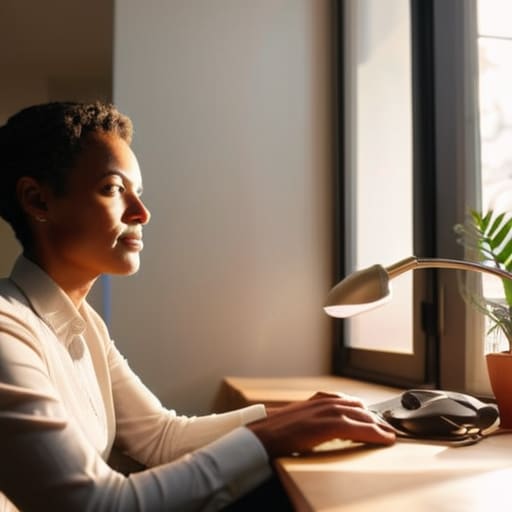
Think of your lighting like the foundation of a house; if it’s shaky, nothing else really matters. I used to sit in front of my laptop in a dark room, looking like a mysterious figure from a noir film, which—trust me—doesn’t exactly scream “ready for a Monday morning sync.” To fix this, you don’t need a Hollywood studio, but you do need to understand professional webcam lighting setups. The golden rule? Always face your primary light source. If you have a window, sit facing it. If you’re working late, a simple desk lamp positioned behind your monitor can work wonders.
Avoid the dreaded “overhead shadow” by ensuring light hits your face evenly rather than pouring down from the ceiling. If you find yourself squinting, try bouncing the light off a white wall to create a softer, more natural glow. It’s all about diffusing that harshness so you look approachable rather than washed out. Once you nail the light, you’ll notice your features pop, making the whole experience feel much more polished and intentional.
Finding the Best Camera Angles for Remote Work
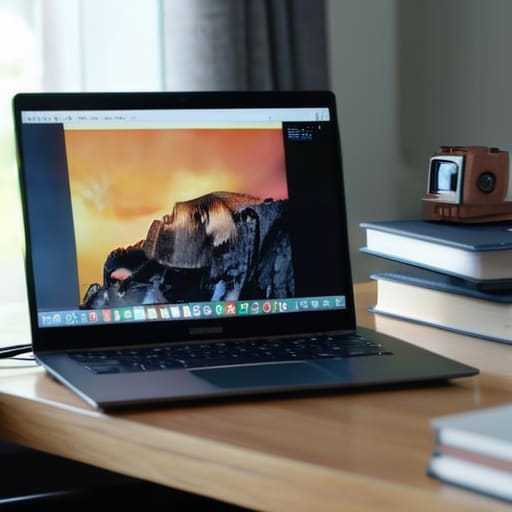
Ever notice how a low-angle shot makes you look like you’re staring down at everyone from a throne? It’s not exactly the “approachable collaborator” vibe we’re going for! One of the most effective best camera angles for remote work is simply getting that lens to eye level. If you’re working from a laptop, I highly recommend grabbing a sturdy stack of books or a dedicated laptop stand. When the camera sits at eye level, it creates a sense of direct connection, making your digital interactions feel much more human and balanced.
Once you’ve leveled up your height, take a quick second to check your tilt. You want to avoid the “looking up your nose” effect, which can be a bit distracting for your colleagues. Instead, aim for a slight downward tilt if your camera is a bit higher, or keep it straight on to maintain that professional polish. Think of your camera angle as the frame for your digital presence; when it’s positioned correctly, it complements your professional webcam lighting setups and ensures your facial expressions are clear and engaging.
The Final Pieces: Small Tweaks for a Polished Presence
- Audit your background like a cluttered desktop. You don’t need a professional studio, but a quick declutter—maybe just moving that pile of laundry out of the frame—prevents your viewers from getting distracted by the “noise” behind you.
- Treat your audio like the foundation of a house. You can have the best lighting in the world, but if you sound like you’re underwater, the connection breaks. If you can, grab a decent headset or even just your phone’s wired earbuds to keep your voice crisp and clear.
- Mind your digital “eye contact.” It’s a natural instinct to look at the person’s face on your screen, but if you want to truly connect, try looking directly into that tiny camera lens. It feels a bit weird at first, like you’re staring into the void, but to them, it looks like you’re looking right at them.
- Dress for the “vibe” of the meeting. I’m a big believer in the “contextual outfit”—you don’t need a suit, but swapping a faded hoodie for a clean sweater can act as a mental reset for both you and your team, signaling that you’re ready to engage.
- Run a “pre-flight check” five minutes before you jump on. I always keep a little checklist in my notebook: Is my mic working? Is my background distracting? Is my laptop plugged in? Solving these tiny friction points early prevents that mid-call panic that can throw your whole productivity flow off.
The Quick-Start Checklist for Your Next Call
Treat your lighting like the foundation of a house; even the best camera can’t save a setup that’s stuck in the dark or washed out by a harsh overhead bulb.
Remember that your camera angle is your digital “eye contact”—aim for eye level to create a connection that feels natural rather than looking down on your colleagues.
Don’t get caught in “analysis paralysis” trying to build a studio; start with what you have, like a desk lamp or a window, and tweak it until the pieces of your visual puzzle finally click.
The Human Connection Piece
“At the end of the day, looking good on camera isn’t about vanity or having a Hollywood studio in your spare bedroom; it’s about removing those tiny visual distractions so your actual personality can shine through the screen and connect with people, one pixel at a time.”
Jordan Bennett
Putting the Pieces Together
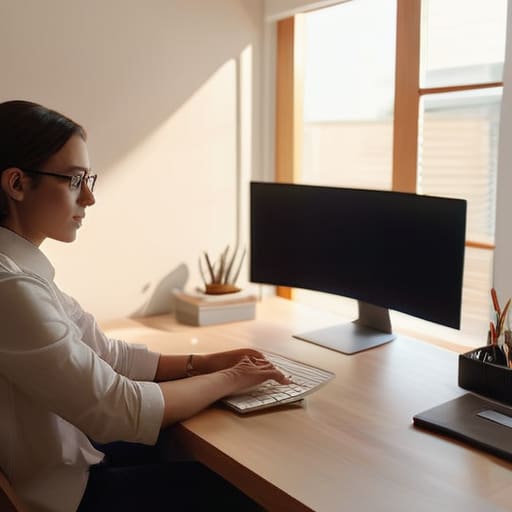
At the end of the day, looking your best on camera isn’t about having a Hollywood studio setup or a thousand-dollar lens; it’s about the small, intentional tweaks that make a massive difference. We’ve walked through how to find that sweet spot with your lighting so you aren’t stuck in a shadow, and how to adjust your camera angles so you’re looking at your colleagues rather than staring down at them from a mountain. When you align your light, your angle, and your tech, you’re essentially removing the friction between you and your audience. It’s like clearing the clutter off a desk—suddenly, everything feels much more focused and professional.
I know that sometimes tweaking your setup can feel like just one more thing on an already overflowing to-do list. But I want you to think of these adjustments as a way to invest in yourself and your connections. When you show up feeling confident and visible, you aren’t just “looking better”—you are showing up as the most capable version of yourself. Life is a complex puzzle, and while we can’t control every variable in a remote world, we can certainly control how we present our piece of it. So, grab that notebook, try one new thing tomorrow, and start thriving in your digital workspace!
Frequently Asked Questions
What’s the best way to fix my video quality if I’m stuck using a grainy built-in laptop camera?
Ugh, the dreaded grainy laptop camera—I’ve been there, and it feels like trying to view a masterpiece through a foggy window. Since we can’t magically upgrade your hardware right this second, let’s optimize what we have. First, hunt for natural light; even a tiny bit of extra brightness can significantly reduce that “digital noise.” Also, try a quick software tweak: check your settings to ensure you’re actually outputting at the highest resolution possible!
How much of a difference does background clutter actually make, and should I invest in a virtual blur?
Think of your background like the setting of a photo; if it’s too busy, people focus on your laundry pile instead of your brilliant ideas. Clutter is a huge distraction! While a tidy space is best, don’t stress about a total renovation. A virtual blur is a fantastic “quick fix” tool—it’s like adding a soft focus to a lens. It smooths out the edges so your audience can stay locked into your message.
Are there any quick, low-effort tech tweaks I can make to my audio so I don't sound like I'm underwater?
If you’re feeling like you’re broadcasting from a submarine, don’t panic! Before you go out and buy a fancy studio mic, try a quick “software scrub.” Check your meeting app’s settings—Zoom and Teams both have “Noise Suppression” toggles that work like magic to filter out that underwater hum. Also, if you’re using Bluetooth headphones, try switching to a wired pair; sometimes that wireless connection is just a glitchy puzzle piece causing the lag.